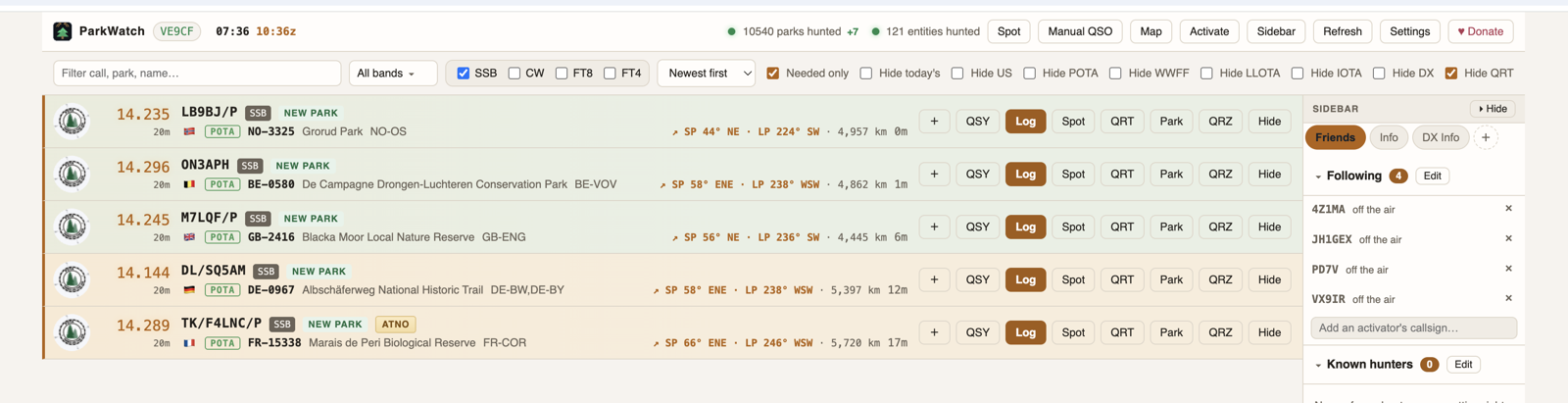
ParkWatch watches the spotting networks and flags the activations that are new to you — new parks, new entities, ATNOs — then logs and re-spots them in a click.
Every spot is measured against your own hunter awards — not a generic feed.
Every spot is tagged against your awards — NEW PARK, NEW DXCC, NEW STATE, ATNO and rare references.
Narrow by band, mode and program, show only what you still need, and sort newest-first.
Push to QRZ Logbook, Wavelog/Cloudlog, ClubLog and your logger over UDP — WSJT-X / JTDX captured automatically.
Post to pota.app, WWFF Spotline, LLOTA and the DX clusters. Park-to-park handled for you.
QSY straight to a spot with TCI, FLRig, Hamlib or OmniRig, and read frequency and mode from the rig.
Active parks on a map, desktop or phone alerts, and each spot's freshness at a glance.
Rows tint by age, so you can tell in a heartbeat who's still likely calling CQ — and skip the ones that have probably packed up.
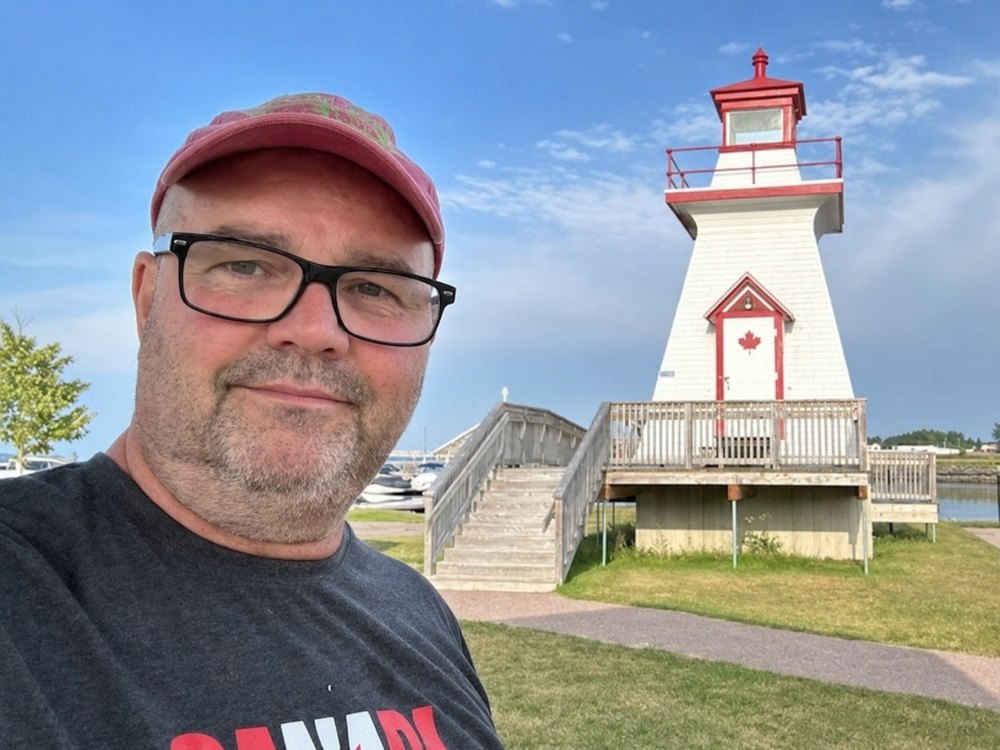
Hi, I'm Stuart, VE9CF, and I created ParkWatch to help me focus my Parks on the Air, World Wide Flora & Fauna, Lakes & Lagoons on the Air, and Islands on the Air hunting on the contacts and goals that matter most to me.
ParkWatch brings multiple amateur radio programs together in one easy-to-use application, helping serious hunters identify needed parks, locations, entities, and activators without wasting time sorting through endless spots.
Whether you are chasing new parks, working toward awards, hunting DXCC entities, or simply trying to make your time on the air more productive, ParkWatch gives you the tools to stay focused and reach your goals.
ParkWatch is completely free for amateur radio operators, runs on Windows, Mac and Linux, and can be installed and ready to use in just a few minutes.
Go ahead and give it a try. ParkWatch may quickly become one of the most valuable tools in your ham radio station.
— Stuart, VE9CF
Download ParkWatchEvery spot flagged, filtered and ready to log — tinted by how fresh it is.
ParkWatch loads unpacked in Chrome — no store, no account, no waiting on review.
Grab the ParkWatch zip and unzip it somewhere you'll keep it.
Go to chrome://extensions and switch on Developer mode.
Click Load unpacked, choose the parkwatch folder, then pin it.
For rig control, UDP logging and DX-cluster spotting, run the installer once.
Your data carries over. To update, unzip the new build over the same folder and hit Reload — your hunted parks, settings and log stay put. Full install guide →
ParkWatch runs in desktop Chrome — and any Chromium browser — on all three. The same app, the same features, wherever you operate.
Windows 10 & 11. Download, unzip, load unpacked.
Intel or Apple silicon, with a one-click installer.
Any Chromium browser. Linux notes →
Download the latest build, load it unpacked, and start working the parks you still need.